Every STL You Own.One Vault.
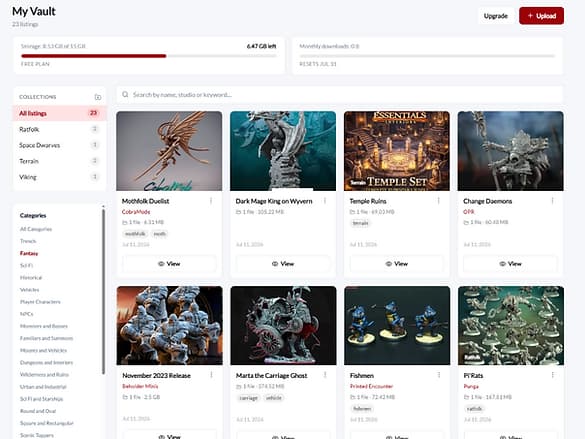
The personal library for tabletop collectors. Know exactly what you own, find any file in seconds, and never buy the same mini twice.
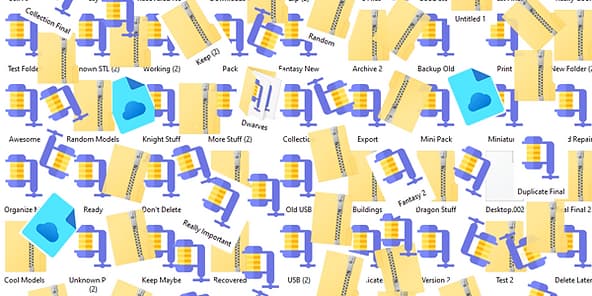
Your collection has outgrown your hard drive
- Patreon drops.
- Kickstarter bundles.
- That folder from your old laptop.
It all fits in one Vault.
Start searching your collection.
“I know I have this file somewhere.”
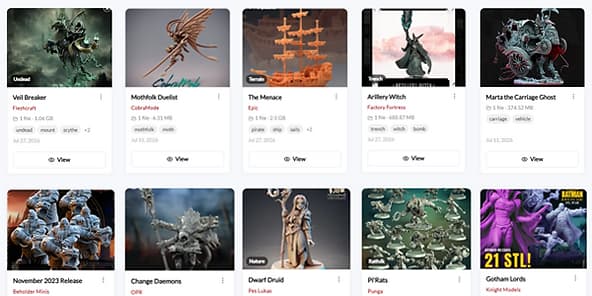
Every collector has said it. A new Patreon drop goes live, the bundle looks great, and you can't remember if you already grabbed that dragon last year.
With the Vault you check before you buy. Search your whole collection in seconds, from any device, and know for sure. Duplicate detection also flags matching files as you upload, so copies don't pile up in your library. One skipped repeat purchase can cover a month of your Vault — most collectors find more than one.
Search your collection freeAncient Red Dragon — Pre-Supported
Dragons · Terrain · #bossfight
Already in your VaultRed Dragon Wyrm (STL)
Uploading…
Duplicate detected — matches a file you ownExample only — real results show your own collection.
Built specifically for tabletop collectors
Not a generic file locker — every detail is tuned to how collectors actually work.
Speed
Find the right model in seconds with instant search across your entire collection.
Structure
Keep every STL organized with custom categories and tags that match how you work.
Safety
Your files are stored privately in the cloud — protected, backed up, and yours alone.
Value
Start free with 15 GB and upgrade only when your collection truly outgrows it.
How it works
Four steps from a messy downloads folder to a collection you can actually see.
Upload
Drag in your ZIPs, RARs, and 7z files. Got a preview image in the folder? The Vault spots it and sets your thumbnail automatically.
Organize
Sort minis into your own categories — ratfolk, terrain, pre-supported, whatever fits how you collect. Add tags so nothing gets lost.
Search
Type a name, keyword, or tag and find any file in seconds. No more digging through folders named New Folder (2).
Check before you buy
Next time a bundle drops, search your Vault first. Know what you own, skip the duplicates, and spend your money on new stuff.
How it automatically sets the thumbnail
When multiple images are included in an uploaded folder, The Vault automatically selects the first image in alphanumeric order as the thumbnail.
To choose a specific image, rename it so it appears first:
You can also use a name such as:
For best results, use clear JPG or PNG images and check the file names before compressing and uploading your folder.
Built around how you collect
Stop wasting money
Duplicate detection helps you avoid buying models you already own.
Keep growing your collection
Whether you own hundreds or tens of thousands of models, everything stays organized.
Access anywhere
Your collection follows you wherever you go.
Protect your investment
Cloud storage is safer than a hard drive — no lost drives, no corrupted disks, no data loss.
Built for the community
Designed around the needs of tabletop collectors rather than generic file storage.
Ready for what comes next
The Vault launches with keyword search today. Smart semantic search is planned for a future release.
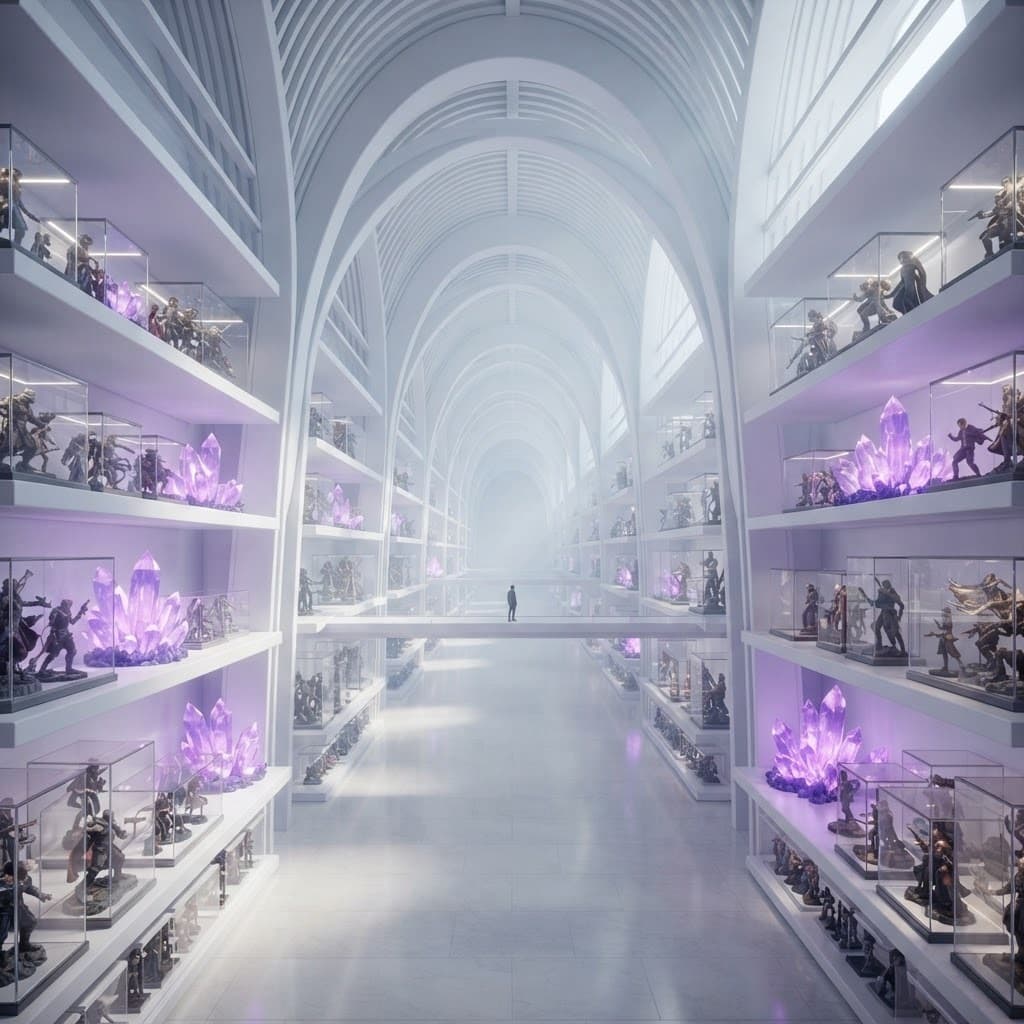
A home worthy of your collection
Years of collecting deserve more than a folder on your desktop. The Vault gives every STL a permanent home.
Everything included
Included with every account, on every plan.
Simple plans for every collection
Start free. Upgrade only when your collection grows.
Need more storage than the top plan? Talk to us about a custom Vault.
Contact usStop hunting for files.Start enjoying your collection.
Your collection deserves a home built specifically for tabletop hobbyists.
Questions, answered
Minarium is a platform built for the 3D printing community. It’s where you can discover models from talented creators, build your collection, and manage your library all in one place. The Vault is one part of Minarium, giving subscribers their own private cloud storage for the 3D print files they already own.
The Vault is your private cloud library for 3D print files, built right into Minarium. Just upload your ZIPs and they’re stored safely in one place, tied to your account. ZIP archives are extracted automatically, and if there’s an image in the root ZIP, it becomes your model’s thumbnail right away. Everything lands in one clean, browsable library instead of scattered folders on your hard drive.
Collectors love finally having everything in one place. ZIPs unpack themselves on upload, and models with an included image get a thumbnail automatically, so your library looks good with zero extra work. You can organize your collection with your own tags, and collections, then filter and search to find exactly what you need. And since it’s all in the cloud, your files are safe and available wherever you log in.
The Vault stores your actual files. Your STLs, OBJs, images, and everything else you upload live securely in your Vault, tied to your account only. That means you can re-download your original files anytime, from anywhere, just by logging in. It’s real storage, not a bookmark list.
When you upload a model, The Vault checks it against what’s already in your library. If it looks like something you already own, you’ll get a heads up before it clutters things up. It’s a simple way to keep your collection tidy, especially if you’ve downloaded the same model from a couple different places over the years.